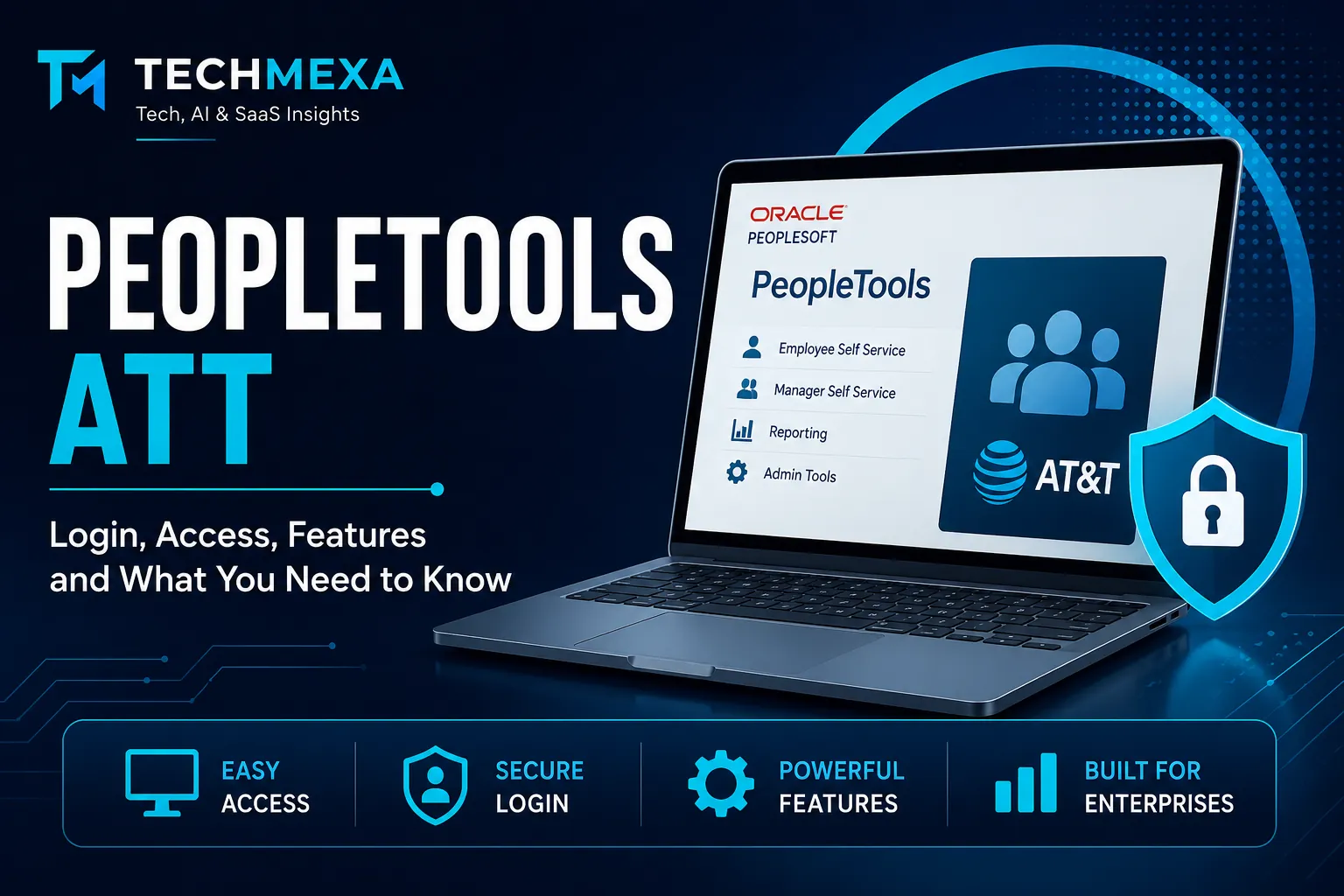
PeopleTools ATT: Login, Access, Features, and What You Need to Know
If you searched for PeopleTools ATT, you are probably trying to understand the PeopleSoft-based system associated with AT&T, find the correct login page, or figure out what PeopleTools actually does.
I understand why this keyword can be confusing. Search results often mix AT&T PeopleTools, Oracle PeopleSoft documentation, and unrelated third-party pages. More importantly, “PeopleTools ATT” is not the official name of a separate Oracle product. PeopleTools is Oracle’s technology platform for PeopleSoft applications, while AT&T has used PeopleSoft-based systems for employee and business functions.
In this guide, I’ll explain what I can verify about PeopleTools ATT, how PeopleTools fits into PeopleSoft, how access generally works, and what to do when the login page does not work.
Key Takeaways
- PeopleTools ATT generally refers to an AT&T-related PeopleSoft environment.
- PeopleTools is an Oracle technology platform used with PeopleSoft applications.
- PeopleTools and PeopleSoft are not the same thing.
- Use AT&T’s current official login instructions for employee access.
- Avoid unofficial websites asking for your AT&T credentials.
- Common login issues include incorrect credentials, outdated URLs, browser problems, and access restrictions.
- Oracle documentation is the best source for technical PeopleTools information.
What Is PeopleTools ATT?
When I see the term PeopleTools ATT, I would interpret it as a search phrase referring to AT&T’s PeopleSoft environment rather than a standalone product officially called “PeopleTools ATT.”
Oracle describes PeopleTools as the underlying technology used to build, deploy, maintain, administer, integrate, and customize PeopleSoft applications. It supports areas such as development, administration, analytics, integration, and application lifecycle management.
AT&T has historically used a PeopleTools-based PeopleSoft portal for certain employee and HR-related functions. Some search results still point users toward an AT&T e-Access PeopleTools address, but I would avoid treating third-party login directories as authoritative sources for current access instructions.
The important distinction is simple:
- PeopleTools is Oracle technology.
- PeopleSoft is the enterprise application platform built using PeopleTools.
- AT&T PeopleTools generally refers to AT&T’s PeopleSoft environment.
- PeopleTools ATT is primarily a search phrase, not the official product name.
How PeopleTools Fits Into PeopleSoft
PeopleTools works underneath PeopleSoft applications. Oracle explains that PeopleSoft applications such as Human Capital Management and Customer Relationship Management are built, deployed, and maintained using PeopleTools.
I find it useful to think of PeopleTools as the technical foundation that allows an organization to configure and operate its PeopleSoft applications.
PeopleTools includes multiple technologies rather than one single application. Oracle categorizes these capabilities into development, administration, analytics, integration, and lifecycle management tools.
That distinction matters when someone searches for peopletools att login. They may actually be looking for an employee-facing PeopleSoft portal rather than a developer tool.
What Can PeopleTools Support?
PeopleTools provides a broad technical foundation for enterprise applications.
Application Development
Developers can use PeopleTools to create new functionality and customize existing PeopleSoft applications.
One important component is PeopleCode, the programming language used by PeopleSoft applications. Oracle’s current documentation describes PeopleCode as an object-oriented language that works within the PeopleTools environment.
Administration
PeopleTools also provides technologies for administrators who maintain PeopleSoft environments.
These capabilities can involve application configuration, system administration, security, databases, and other operational tasks.
Integration
Integration is another important part of PeopleTools.
Oracle documents Integration Broker as a technology for exposing PeopleSoft business logic as services and consuming external web services. It also supports synchronous and asynchronous messaging between PeopleSoft applications and third-party systems.
Reporting and Analytics
PeopleTools also includes technologies that support reporting and decision-making.
This is particularly relevant in large enterprise environments where business applications need to turn operational data into useful information for managers and administrators.
Lifecycle Management
PeopleTools supports application maintenance and upgrades as part of the broader PeopleSoft system lifecycle. Oracle specifically lists upgrades and updates among the capabilities provided by PeopleTools.
PeopleTools ATT Login: What Should I Do?
If your goal is specifically PeopleTools ATT login, I recommend starting with the official access route provided to you by AT&T rather than using a random login directory.
This is important because enterprise employee portals can require organizational authentication, approved devices, network access, or other security controls.
I would also avoid entering your AT&T credentials into a website simply because its page title says “PeopleTools ATT login.”
Check the Login Address Carefully
Before entering a username or password, verify that the address belongs to the organization or trusted authentication system you expect.
Third-party websites sometimes publish old PeopleTools links. A search result appearing on Google does not prove that the destination is an official AT&T authentication page.
Use Your AT&T Credentials
If you are an authorized AT&T user, use the credentials and authentication method supplied by AT&T.
Do not create credentials through an unofficial PeopleTools login website.
Follow Your Organization’s Authentication Requirements
If AT&T requires additional authentication, follow the current instructions provided through its internal support resources.
Enterprise systems can change their authentication infrastructure over time, so an old URL found in a blog post may no longer represent the correct access method.
Why Is PeopleTools ATT Login Not Working?
A failed login does not necessarily mean that PeopleTools itself is unavailable.
I would check the problem systematically.
1. Verify the URL
Start by confirming that you are using the current AT&T-provided address.
Older pages can remain indexed by search engines even after an organization changes its internal systems.
2. Check Your Credentials
Make sure you are using the correct AT&T account and that your password has not expired.
If you normally use a corporate identity provider or single sign-on system, use the authentication process specified by AT&T rather than attempting to bypass it.
3. Check Your Network
Some enterprise resources have access restrictions based on organizational security policies.
If the system normally requires a particular corporate network or approved remote-access method, follow AT&T’s current IT instructions.
4. Try a Supported Browser
If the login page loads incorrectly, test it using an up-to-date browser.
You can also try a private browsing window to determine whether an extension or cached session is interfering with authentication.
5. Contact AT&T Support
If your credentials are valid but the portal still refuses access, contacting the appropriate AT&T support channel is safer than repeatedly trying unofficial login pages.
Support can determine whether the issue involves your account, permissions, authentication, or the PeopleSoft environment.
Is PeopleTools the Same as PeopleSoft?
No. I would not use the two terms interchangeably.
PeopleSoft refers to Oracle’s enterprise application products, while PeopleTools provides the technology used to build, customize, deploy, administer, integrate, and maintain those applications.
For example, an organization may use PeopleSoft Human Capital Management while relying on PeopleTools underneath the application.
This is why searches for PeopleTools ATT can become confusing. The user may be looking for an AT&T employee portal, while the underlying technology is part of Oracle’s PeopleSoft ecosystem.
Is PeopleTools Still Used?
Yes. Oracle continues to publish and maintain PeopleTools documentation.
Oracle’s current PeopleSoft documentation site lists PeopleTools 8.63 as the latest release documentation and provides online help covering installation, upgrades, development, administration, integration, and other areas.
That makes it important to distinguish current Oracle documentation from older blog posts.
I would give considerably more weight to Oracle’s documentation when researching technical PeopleTools questions because versions, interfaces, supported technologies, and implementation procedures can change.
PeopleTools and Enterprise Security
Security is particularly important when dealing with an employee portal such as an AT&T PeopleSoft environment.
PeopleTools includes security administration capabilities involving user profiles, roles, permission lists, and single sign-on system. Oracle’s documentation specifically identifies these as areas covered by PeopleTools security administration.
For that reason, I would never recommend bypassing authentication controls simply to access a PeopleTools portal.
If your account cannot access a particular page, the correct solution is usually to confirm your permissions or contact the organization’s administrator.
PeopleTools and the Employee Experience
From an employee’s perspective, you may not interact directly with the underlying PeopleTools technologies.
Instead, you may see a web-based PeopleSoft interface that provides access to applications and organizational information.
Oracle’s PeopleTools portal technology supports browser-based application deployment and provides mechanisms for organizing content through homepages, dashboards, navigation collections, WorkCenters, search, and related features.
The technical platform therefore remains largely behind the interface that employees use.
What If I Am Searching for “AT&T People Tools”?
If your search was actually AT&T People Tools, the intent is slightly different from someone researching Oracle PeopleTools as a technology.
You may be looking for:
- AT&T employee access
- PeopleSoft HR functions
- Employee self-service
- An AT&T PeopleTools login
- Help with an existing employee account
- Information about an AT&T internal portal
In that situation, I would focus on AT&T’s current employee and IT resources rather than relying on generic PeopleTools articles.
If you are researching PeopleTools from a technical perspective, Oracle’s PeopleSoft documentation is the stronger source.
Conclusion
I know enterprise login systems can become frustrating, especially when several old URLs and third-party pages appear in search results. The safest approach is to separate the AT&T access question from the Oracle PeopleTools technology question.
PeopleTools is Oracle’s underlying technology platform for PeopleSoft applications, while PeopleTools ATT generally refers to an AT&T-related PeopleSoft environment rather than an official standalone Oracle product. Oracle confirms that PeopleTools supports application development, administration, reporting, integration, and lifecycle management across PeopleSoft applications.
If you’re trying to access an AT&T employee portal, use the current credentials and access instructions supplied by AT&T. If you’re trying to understand the technology behind the system, Oracle’s official PeopleTools documentation is the most reliable place to start.
Frequently Asked Questions
1 – What is PeopleTools ATT?
PeopleTools ATT generally refers to an AT&T-related PeopleSoft environment powered by Oracle PeopleTools.
2 – Is PeopleTools an AT&T product?
No. PeopleTools is an Oracle technology platform used to support PeopleSoft applications.
3 – Is PeopleTools the same as PeopleSoft?
No. PeopleTools provides the technology, while PeopleSoft provides enterprise business applications.
4 – How do I access PeopleTools ATT?
Use the current AT&T-provided login instructions and authorized authentication method.
5 – Why is my PeopleTools ATT login not working?
Check your credentials, login URL, browser, network connection, and account permissions.
6 – Is PeopleTools still used?
Yes. Oracle continues to maintain and document the PeopleTools platform.
7 – Can anyone access AT&T PeopleTools?
No. Access to an AT&T PeopleSoft environment requires appropriate authorization.
8 – Is PeopleTools ATT a separate software?
No. “PeopleTools ATT” is generally a search term rather than the name of a separate Oracle software product.