NICVIEW Login: How to Access Your Baby’s NICU Camera Safely
When your baby is receiving care in a neonatal intensive care unit (NICU), being away from the bedside can feel incredibly difficult. I understand why many parents search for NICVIEW login as soon as they receive their access credentials because even a quick view of their baby can provide reassurance during an emotionally challenging time.
NICVIEW is a secure camera system designed to let authorized parents and family members view a baby in the NICU remotely. The system is provided by Natus, and participating hospitals give families their individual login information after the required consent process.
In this guide, I’ll explain how the NICVIEW login process works, what to do if you cannot access your account, how the camera works, and what you should know about privacy and security.
What Is NICVIEW?
NICVIEW is a NICU camera system that allows authorized family members to view a live video stream of their hospitalized newborn through a secure online portal.
The camera is positioned near the baby’s NICU bed and is controlled by NICU staff. Parents can generally access the stream using an internet-connected computer, smartphone, or tablet, depending on the hospital’s implementation.
The purpose is not to replace medical communication or bedside care. Instead, it provides families with another way to remain connected when they cannot physically be present.
How Does NICVIEW Login Work?
One important thing I want to clarify is that NICVIEW access normally depends on the hospital or NICU participating in the service.
After completing the required consent process, parents are typically given unique login credentials. Children’s National, for example, explains that families receive a printout containing their unique login information and may be asked to accept a one-time consent when accessing the system from a new device.
NICVIEW Login Steps
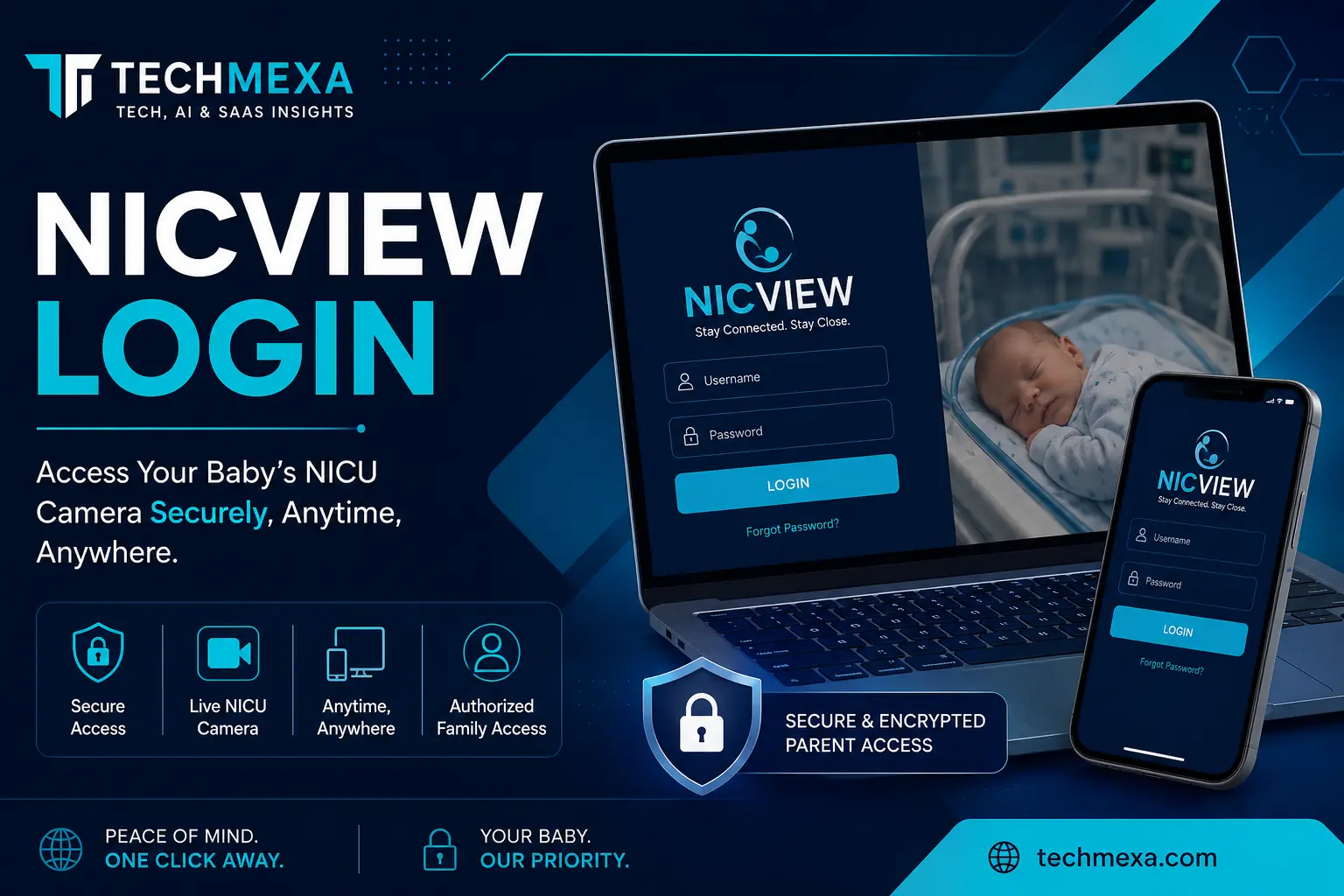
If your hospital has provided you with NICVIEW credentials, the process is generally straightforward:
- Open a supported web browser on your phone, tablet, or computer.
- Go to the NICVIEW portal provided by your hospital.
- Enter your assigned username.
- Enter your assigned password.
- Complete any consent or access confirmation requested by the system.
- Sign in to access your baby’s available camera stream.
Some hospitals specifically direct parents to nicview.net for access, while the exact portal or instructions can vary by location and implementation.
For that reason, I recommend using the website address supplied directly by your hospital rather than relying on an unfamiliar website found through a search engine.
Where Do I Get My NICVIEW Username and Password?
NICVIEW credentials are generally provided by the participating hospital or NICU.
You should not need to invent your own credentials simply to access an existing NICVIEW camera. Hospitals may provide the information on paper, by email, or by text, depending on their procedures.
If you never received your credentials, I would contact the NICU or the hospital’s designated NICVIEW support service rather than creating another account through an unrelated website.
What If My NICVIEW Login Is Not Working?
A failed login does not necessarily mean that something is wrong with your baby’s camera.
I recommend checking the problem systematically.
1. Check Your Username and Password
Carefully re-enter the credentials supplied by your hospital.
Check for:
- Incorrect characters
- Extra spaces
- Uppercase and lowercase letters
- Numbers that look similar to letters
- Passwords copied incorrectly from a message
If your credentials still do not work, contact the support channel provided by your hospital.
2. Check Your Internet Connection
NICVIEW requires internet access to display the video stream. If your connection is unstable, the login page or live stream may not work correctly.
Try another reliable connection if one is available.
3. Try Another Browser or Device
If the problem appears to be browser-specific, try accessing the portal from another current browser or device.
If you regularly troubleshoot online software accounts, checking the login process and access requirements can also help you understand how different platforms handle authentication. I’ve covered this in my login guide for eLeads CRM.
Hospitals state that NICVIEW can be accessed from devices such as smartphones, tablets, and computers.
4. Look for an Offline Message
If you successfully log in but cannot see your baby, don’t immediately assume there is a technical problem.
The camera can be temporarily offline when NICU staff are providing care or when the camera needs to be turned off. Children’s National specifically explains that parents may see an “off-line” message during periods of medical care.
This is an important distinction: a camera being offline does not mean your baby’s medical condition has suddenly changed.
If you have a medical concern, contact your baby’s NICU team directly.
Why Is My Baby’s NICVIEW Camera Offline?
NICVIEW cameras are designed to support the NICU environment, not interfere with it.
Hospital guidance explains that the camera may be unavailable while staff are caring for the baby. The camera can also be repositioned or turned off according to clinical needs.
So, if you see an offline screen after a successful NICVIEW login, give the NICU team time to complete their work.
If the camera remains unavailable for an unusually long period or you suspect a technical problem, use the support instructions provided by your hospital.
Is NICVIEW Login Secure?
Security is especially important because NICVIEW provides access to images of hospitalized newborns.
Natus states that NICVIEW 2 uses secure authentication and encrypted data transmission. The company also describes controlled access so that parents can view their own newborn rather than unrestricted camera feeds.
Individual hospitals also provide their own privacy instructions. For example, Allegheny Health Network states that NICVIEW uses secure online access and that login credentials control access to the baby’s images.
Should I Share My NICVIEW Credentials?
Only share your credentials according to your hospital’s rules and with people you trust.
Remember that anyone who receives your login information may potentially be able to access the associated camera stream. Children’s National specifically advises families to avoid allowing shared credentials to be passed to others without permission.
I would also avoid posting your username or password in social media messages, public groups, forums, or screenshots.
Can I Take Screenshots or Record NICVIEW?
Do not assume that screenshots or recordings are permitted.
Hospital policies can prohibit recording, copying, or sharing NICVIEW video. Children’s National’s consent documentation, for example, states that screenshots, photographs, and recordings of NICVIEW streaming images are not allowed.
Your hospital’s policy should always take priority. If you’re unsure, ask the NICU staff or review the consent information you received.
Can I Use NICVIEW on a Phone or Tablet?
Yes, participating hospitals describe NICVIEW access from smartphones, tablets, and computers with internet access.
Natus also describes NICVIEW 2 as supporting app-based access on Android and iOS devices.
However, the exact access method can depend on the hospital and the version of the NICVIEW system being used.
Does NICVIEW Record the Video?
This is another point where I recommend checking the documentation supplied by your hospital.
Several hospital resources explain that their NICVIEW implementation does not record video. Children’s National states that NICVIEW cameras do not transmit sound or record video, while other hospital documentation provides similar information.
Because hospitals can have different policies and system configurations, don’t rely on assumptions. Your hospital’s NICVIEW information is the best source for your specific setup.
NICVIEW Login vs. Medical Information
I think this distinction is extremely important for parents.
NICVIEW is a viewing system. It is not a substitute for communication with your baby’s medical team.
You may see your baby sleeping, moving, receiving care, or temporarily disappearing from the camera. A camera image alone cannot tell you whether your baby is medically stable or whether treatment has changed.
If something concerns you, contact your baby’s nurse or NICU team rather than trying to interpret the camera feed yourself.
What If I Still Cannot Access NICVIEW?
If you’ve checked your credentials, internet connection, browser, and device and still cannot log in, contact the appropriate support service.
Login problems can sometimes come from the browser, credentials, or the platform itself. For another detailed look at software login and access, you can also read my software login and access guide for NS Mainframe.
Some hospitals provide a dedicated NICVIEW technical support number. Children’s National, for example, directs families to NICVIEW technical support for camera and login problems and distinguishes those technical issues from medical questions that should go to the NICU team.
I recommend keeping the following information available when contacting support:
- Your hospital or NICU name
- The username or account identifier provided to you
- The device you are using
- Your browser
- The exact error message
- Whether the problem occurs on another device
Never send your password publicly when asking for technical help.
Conclusion
If you’re searching for NICVIEW login because your baby is currently in the NICU, I want to emphasize one thing: you are not alone in finding the process confusing or stressful.
The basic process is usually simple once your hospital provides your credentials. Use the official access information supplied by your NICU, protect your login details, and remember that an offline camera does not automatically indicate a medical problem.
Most importantly, use NICVIEW for connection and reassurance—not as a replacement for direct communication with your baby’s healthcare team. When you have a medical question or concern, your NICU professionals remain the right people to contact.
Frequently Asked Questions
W1 – hat is the NICVIEW login?
The NICVIEW login is the secure access process that allows authorized parents or family members to view their baby’s NICU camera stream.
2 – Where can I find my NICVIEW login credentials?
Your participating hospital or NICU normally provides your unique username and password after you complete the required consent process.
3 – Can I access NICVIEW from my smartphone?
Yes. Hospitals describe access through smartphones, tablets, and computers with internet connectivity.
4 – Why does NICVIEW say my camera is offline?
The camera may be temporarily unavailable while NICU staff care for your baby or when the camera is turned off or repositioned.
5 – What should I do if my NICVIEW password does not work?
First, carefully re-enter the credentials supplied by your hospital. If the problem continues, contact the NICVIEW support service or hospital contact listed in your NICU instructions.
6 – Is NICVIEW safe to use?
NICVIEW is designed with security and controlled access in mind. Natus describes encrypted data transmission and secure authentication for NICVIEW 2, while participating hospitals provide additional privacy instructions for families.